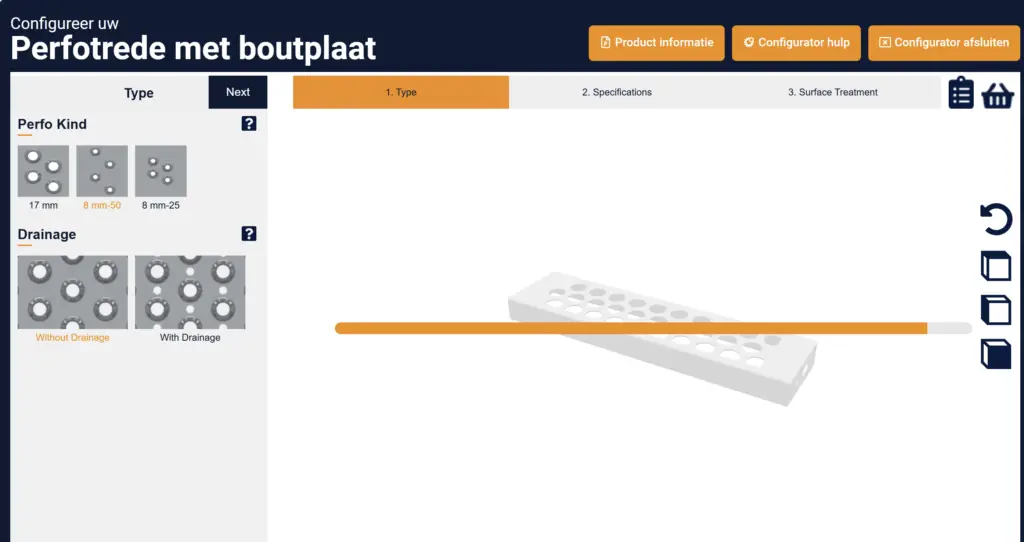
Hier leest je hoe je de wemStep Configurator kan gebruiken.
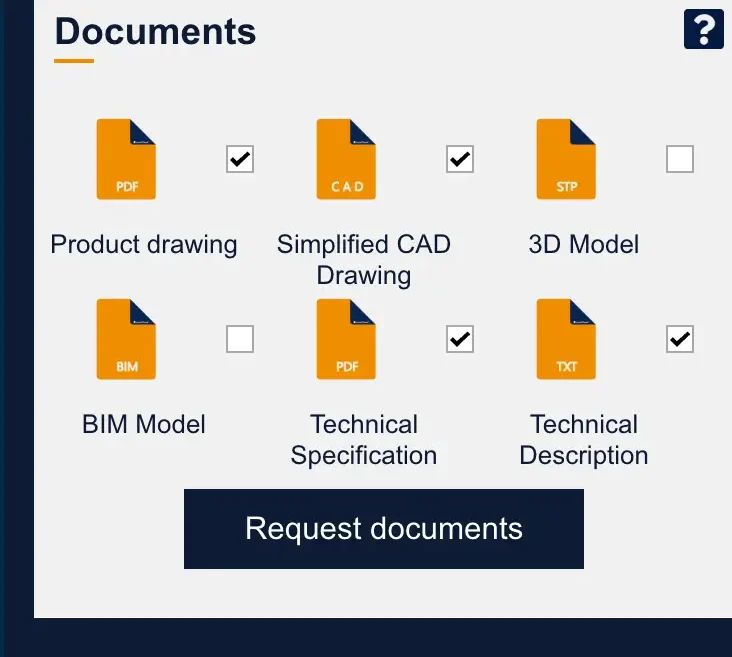
Als u gebruik maakt van onze wemStep® Configurator kunt u voor elke configuratie tekeningen in PDF, DXF, STEP en BIM downloaden.
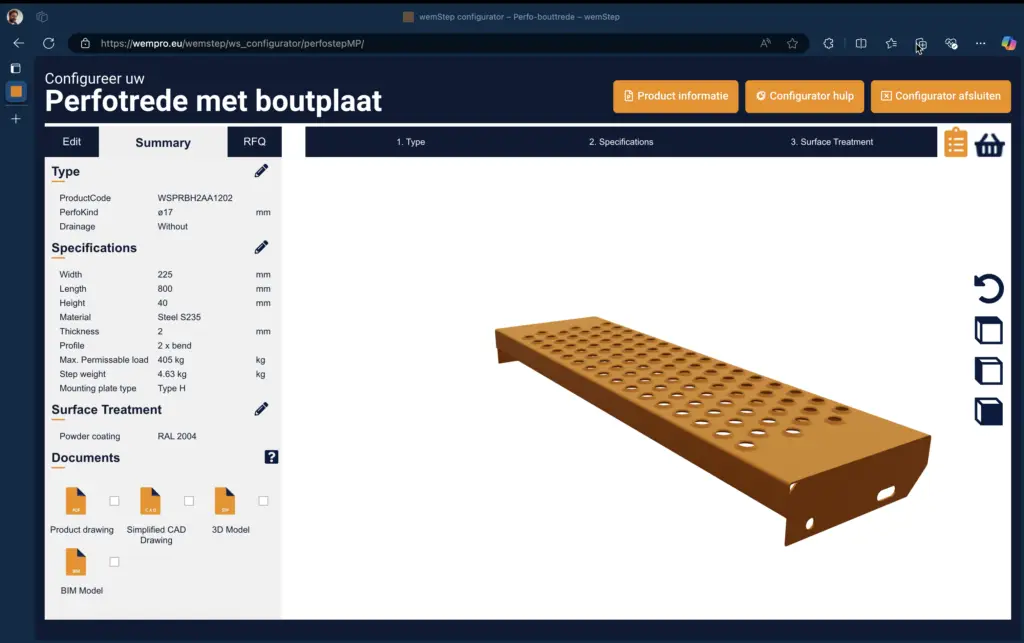
Ook krijgt u de complete bestektekst en productspecificaties van de geconfigureerde traptrede. U vindt de documents sectie onderaan de product summary.
Hoe werkt het?
1. Selecteer de gewenste productdocumenten.
2. Klik op “Request documents”.
3. Vul uw naam en e-mailadres in en bevestig met Send.
Onze geautomatiseerde engineer gaat direct aan de slag om de gevraagde documenten voor u voor te bereiden. U ontvangt deze binnenkort per e-mail.
Soms kan het laden bij het aanpassen van een parameter iets langer duren dan u gewend bent. Het beste is om in dit geval een beetje geduld te hebben en de pagina niet te vernieuwen. Het model is op de achtergrond bezig te laden. Uw geduld wordt beloond en uiteindelijk gaat het een stuk sneller dan zelf een tekening maken.
Klik in uw projectmap op het potlood-icoontje onder het product om terug te gaan naar de configuratie. U kunt nu het product aanpassen aan uw wensen. Wanneer u de configurator verlaat, wordt u gevraagd of u de configuratie wilt opslaan. Na uw keuze keert u automatisch terug naar uw projectmap.
Klik in uw projectmap op het potlood-icoontje onder het product om terug te gaan naar de configuratie. U kunt nu het benodigde aantal producten aanpassen aan uw wensen. Wanneer u de configurator verlaat, wordt u gevraagd of u de configuratie wilt opslaan. Na uw keuze keert u automatisch terug naar uw projectmap.
Als u een offerte voor een product hebt aangevraagd krijgt u van ons een email met een complete offerte. In de mail bevindt zich ook een bestelknop waarmee de door u geconfigureerde producten eenvoudig kunt bestellen. Zodra u de producten besteld beginnen wij direct met de productie.
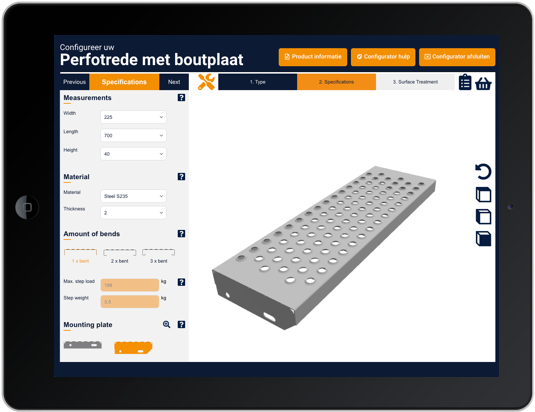
Jazeker, de configurator werkt op alle platformen. Mocht u op een specifiek device onverhoopt toch problemen ondervinden, aarzel dan niet ook contact op nemen.
Do you have a question or would you like a demonstration of our configurator? Please fill in the form below and we will contact you as soon as possible.
Here’s how to use the wemStep Configurator.
If you use our wemStep® Configurator, you can download drawings for each configuration in PDF, DXF, STEP and BIM.
You will also get the complete specification text and product specifications of the configured stair tread. You will find the documents section at the bottom of the product summary.
How does it work?
1. Select the desired product documents.
2. Click on “Request documents.”
3. Enter your name and email address and confirm with Send.
Our automated engineer will immediately get to work preparing the requested documents for you. You will soon receive them by e-mail.
Sometimes, when adjusting a parameter, it may take a little longer to load than you are used to. The best thing to do in this case is to be a little patient and not refresh the page. The model is loading in the background. Your patience will be rewarded and in the end it will be a lot faster than drawing it yourself.
Click on the pencil icon under the product in your project folder to return to the configuration. You can now customize the product to your preferences. When you exit the configurator, you will be asked if you want to save the configuration. After your choice, you will automatically return to your project folder.
Click on the pencil icon under the product in your project folder to return to the configuration. You can now adjust the required number of products to your preferences. When you exit the configurator, you will be asked if you want to save the configuration. After your choice, you will automatically return to your project folder.
Once you have requested a quote for a product you will receive an email from us with a complete quote. In the email there is also an order button with which you can easily order the products you have configured. As soon as you order the products we will immediately start production.
Yes, the configurator works on all platforms. Should you encounter any problems on a specific device, please do not hesitate to contact us.
Do you have a question or would you like a demonstration of our configurator? Please fill in the form below and we will contact you as soon as possible.